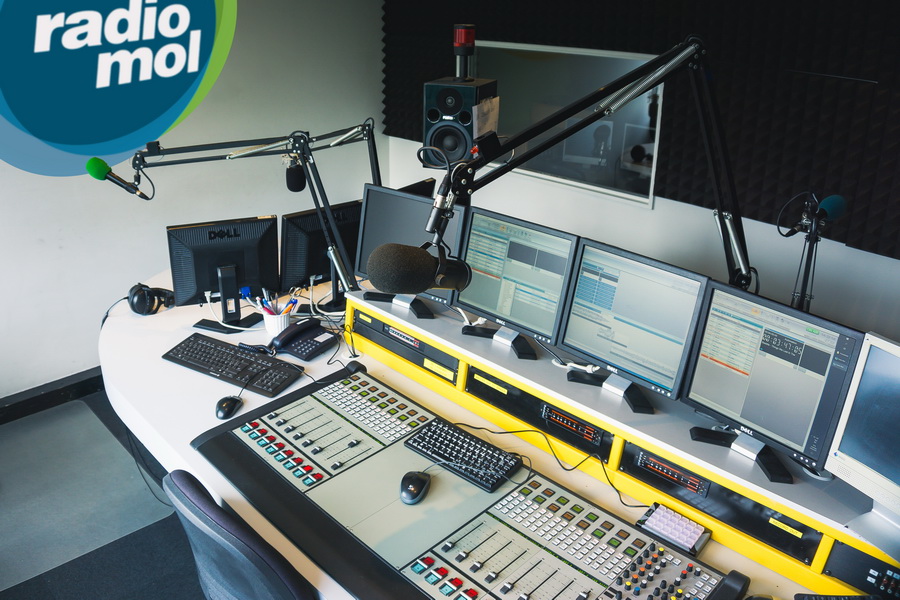
Power Studio version 1.12.1
Tue, 06 SepPower Studio version 1.12.1 is now available. This release focuses on remote and multi-studio workflows, playout and live-assist operation and playlist planning, with improvements that are visible in everyday broadcast operation. For presenters, producers and engineers, it smooths out the workflow while keeping the full system reliable.
Power Studio users can download version 1.12.1 from the download-page. The full release notes are listed below.

Added multi-line display to players
The size of the playout-playlist players already could be changed by dragging the right-bottom corner of the players screen. This functionality has been extended to display title and artist on separate lines, if the available size is large enough.
Added Criteria-seperation functionality to playlist scheduler
This new functionality allows you generate even more balanced playlists, by setting rules to the number of consecutive times a criterion may appear in a playlist and how many positions this criteria will be blocked afterwards. E.g. after two dance tracks, three other type of tracks or two other type of tracks after a rock track. Note: These rules can only be set for the Track content type.
Added Max per playlist functionality to playlist scheduler
This new functionality allows you to limit the number of times a criterion may appear in a playlist. E.g. have only two Dutch records in a playlist. Note: These rules can only be set for the Track content type.
Added Playlist insight module
The Playlist insight module, gives the music director a perfect understanding, why a certain record was picked by Power Studio. The clock scheduler form already gives a rough estimate of how many choices are available for a specific clock-line, but the Playlist insight module shows you exactly how many choices were available at the time of playlist creation. You can even dive in deeper and view the playlists Search Plan which shows exactly what filter-parameters were used and what search-strategy was actually used to pick the track. From this module it is also possible to navigate directly to the related Clock Format line or Track editor to fine tune either of them, if needed.
Added remote control functionality to Recorder screen
The recorders record and play functions can now be controlled by the Midi- and Velleman- plugins. This allows you to, e.g. automatically start recording every time the microphone is turned on, so you never miss that amazing quote. Which you can immediately share with Power Studios social media integration!
Power Traffic communication is now more secure
TLS encryption has now been added to Power Traffic and the communication between Power Studio and Power Traffic. (Note that Windows XP does not know how to handle the SNI-certificates that is used for this. Because of this, Power Studio still uses the normal communication mode on Windows XP.)